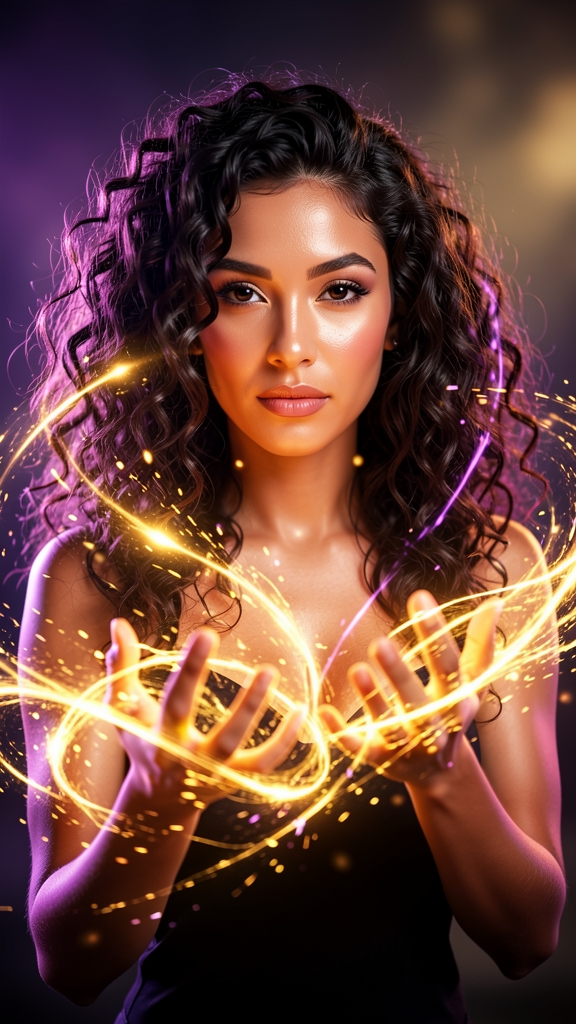
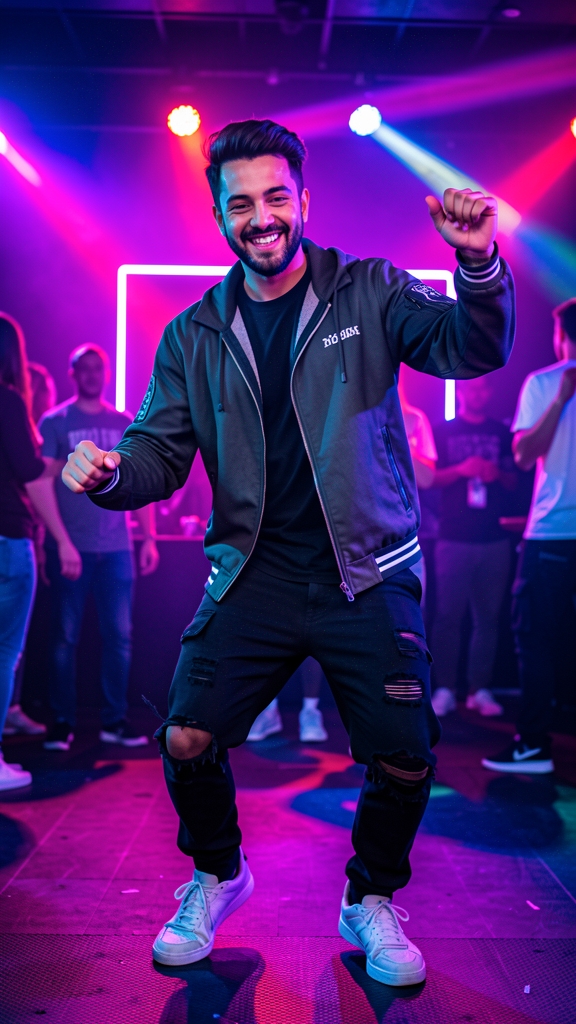
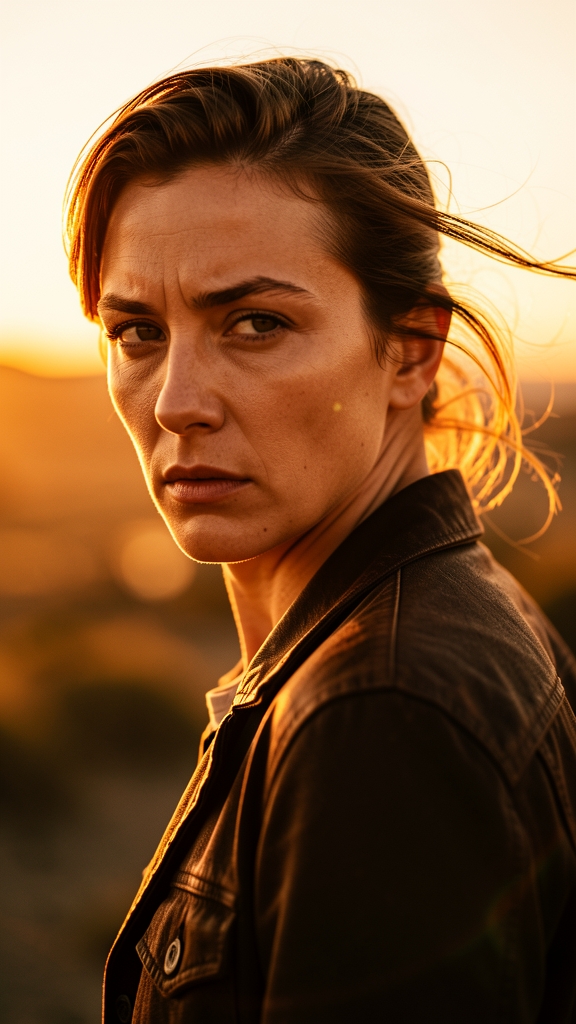
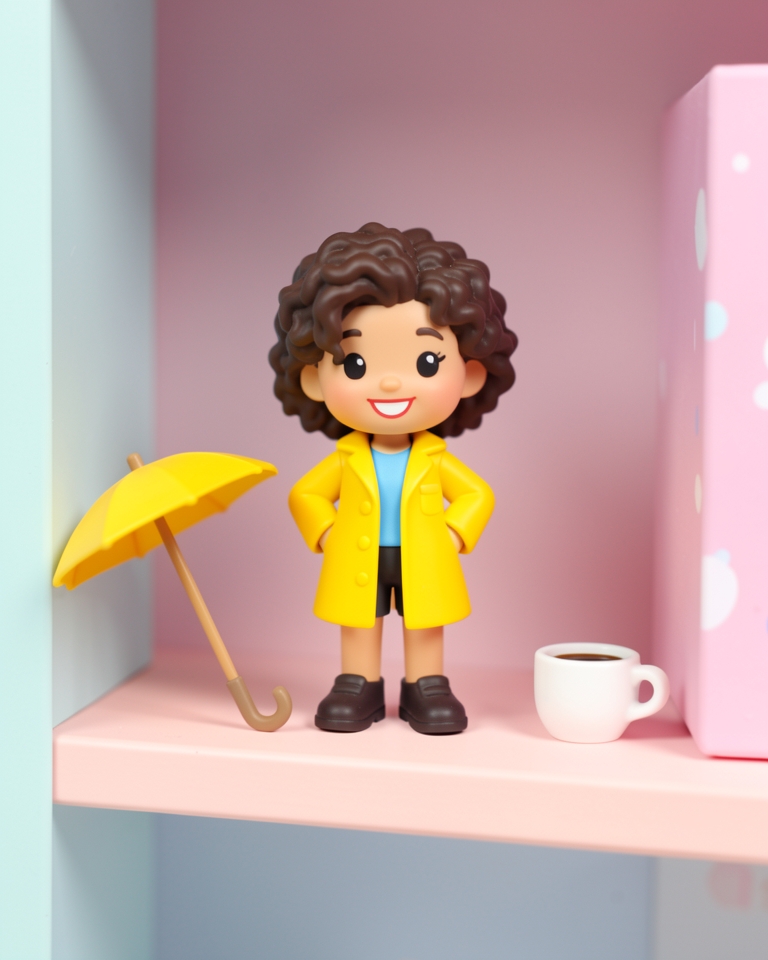
1. Pick a template
Preview every template with sound before you use it.
PHOTO TO VIDEO
Pick a template, add one photo, and Vogla animates it into a short video — viral effects, seasonal looks, styles, pets, portraits and old photos. Ready in about a minute.
No editing skills or prompts needed. Your first video is free.
Preview every template with sound before you use it.
A selfie, your pet, a portrait, a product or an old family photo.
Ready in about a minute and up to 15 seconds long. Download it or share it.
Viral effects.
Inflate, squish, melt, turn to gold, muscle up — the effects everyone is posting.
Seasonal moments.
Halloween, Christmas, New Year and cozy winter looks, refreshed every season.
Pets and people.
Make your pet dance, add a golden-hour glow, or give a portrait a slow cinematic push-in.
Old photos.
Let a loved one in an old photo smile, blink and wave hello.
An image to video generator takes a single still picture and adds believable motion: a face that turns and smiles, hair that moves in the wind, a camera that drifts closer. Vogla does this with ready-made templates, so you don't write prompts or edit timelines — you choose the effect and add your photo.
Every template is built and tested on real photos, and you can watch its preview with sound before you use it. The preview shows the kind of result you'll get.
Clear, well-lit photos give the best results. Faces should be easy to see and not cut off at the edge of the frame.
Phone photos are fine, including iPhone HEIC files. Very small, blurry or heavily filtered photos make it harder for the motion to look natural.
Your first video and your first image are free, and videos that don't work aren't counted. To keep creating, Vogla Pro gives you a set number of new videos and images every month — no credits to count.
Vogla works in your browser and in the iOS and Android apps, with one account and the same Pro on all of them.
Yes, to start. Every account gets 1 free video and 1 free image. Vogla Pro adds new videos and images every month.
Up to 15 seconds, depending on the template, and every video comes with sound.
Usually about a minute. You can leave the page — the finished video waits in your Library.
No. Templates take care of the motion, camera and style. You can add a short idea to steer the result, but it's optional.