AI photo to video
Make your photos move.
50+ video templates. Add one photo, get a video with sound.
Your first video and image are free. No card needed.
Every template comes alive.
Smooth motion, cinematic light and a soundtrack — up to 15 seconds. Hover or tap to preview.
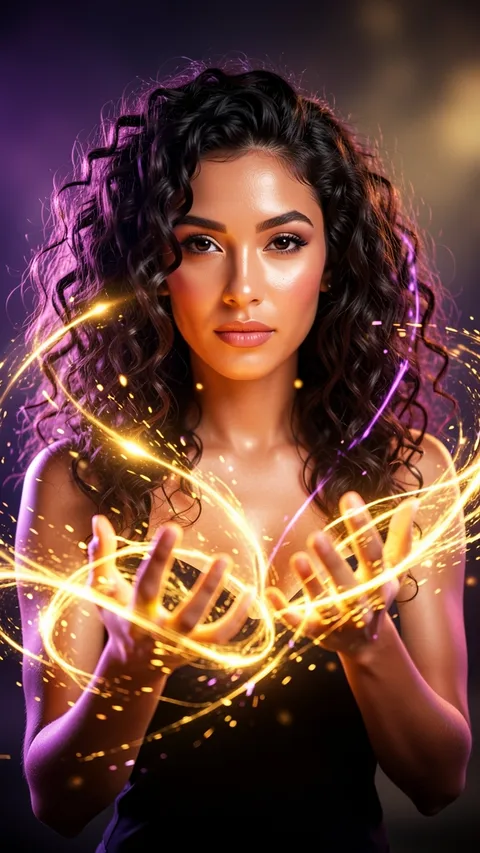




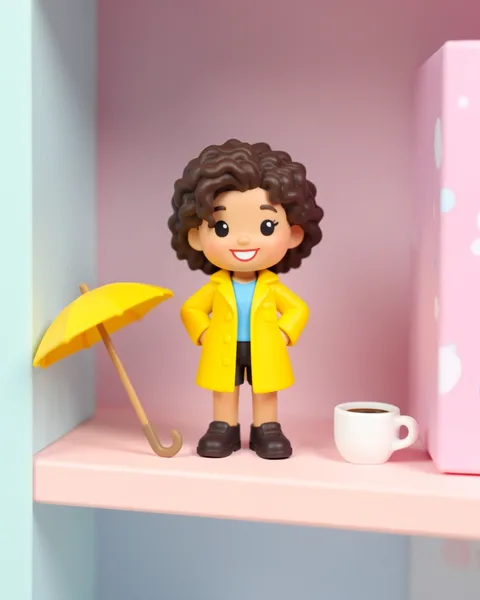
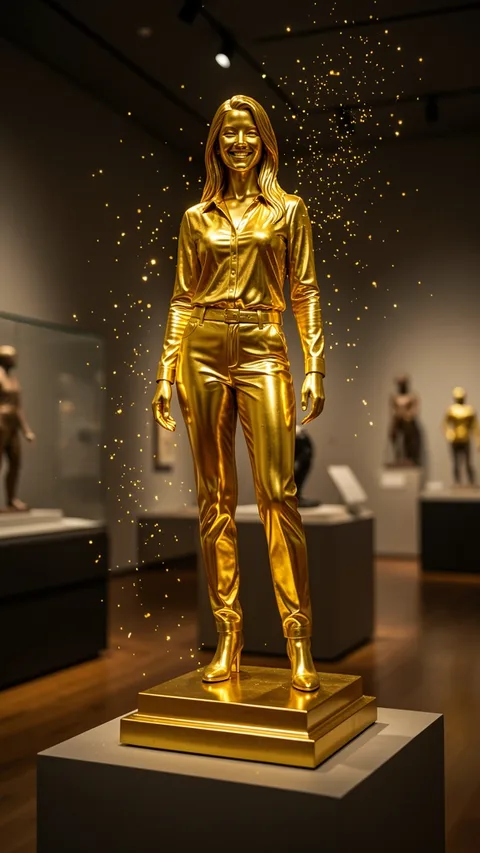
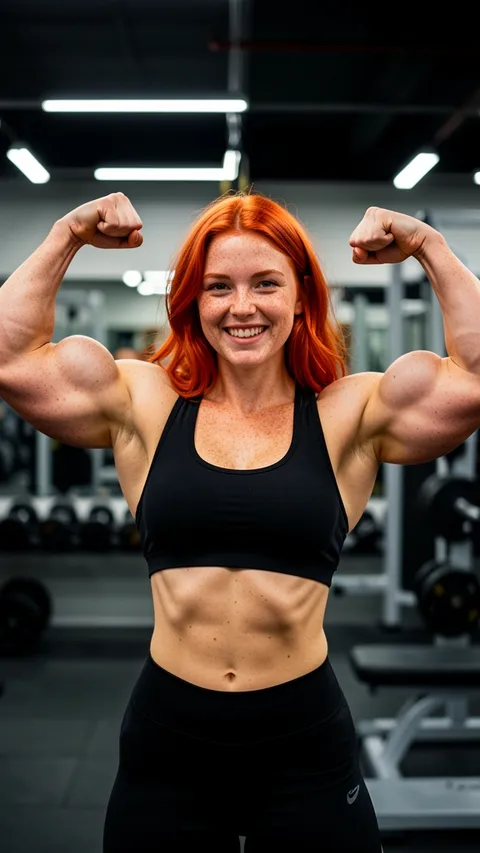

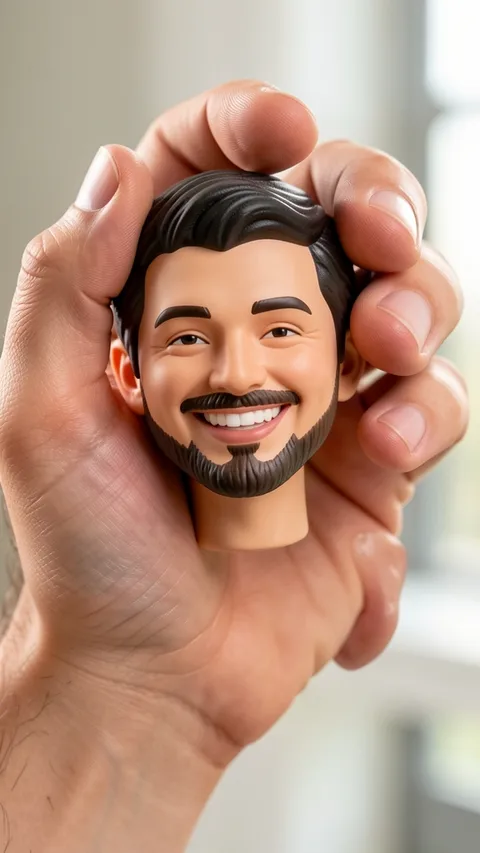
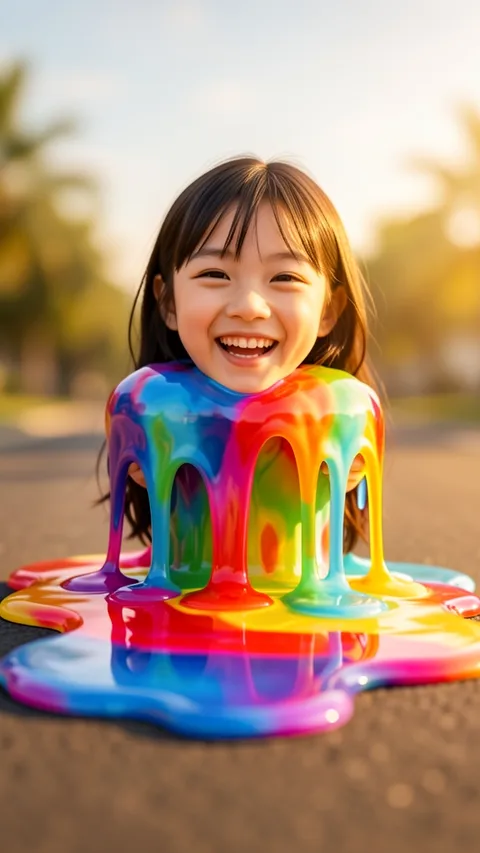

One photo. One tap. Done.
Pick a template, add your photo, and your video is ready in about a minute.
Pick a template
Viral effects, seasonal looks, styles, pets, portraits and more. Preview each one with sound.
Add your photo
A selfie, your pet, a portrait, a product or an old family photo. One clear photo is all it takes.
Get your video
Ready in about a minute. Download it, share it, or post it to Explore.
Go viral in one tap.
Inflate it, squish it, melt it, turn it gold — the effects everyone is posting, plus fresh looks for every season.

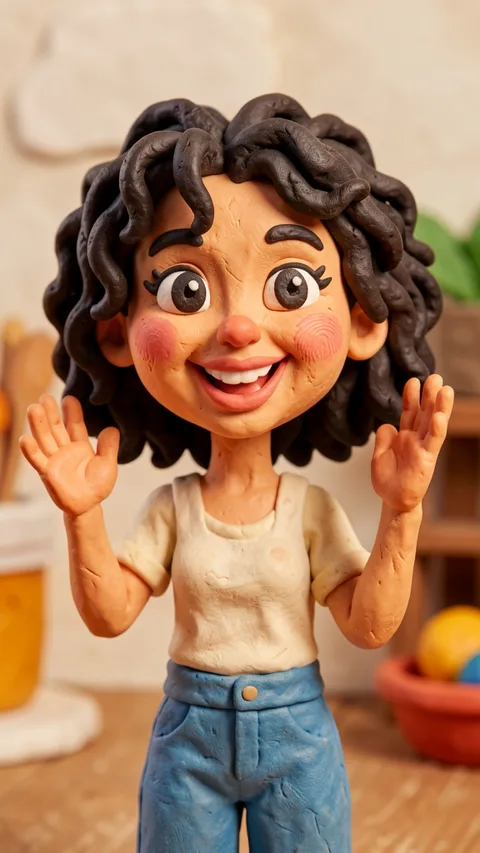



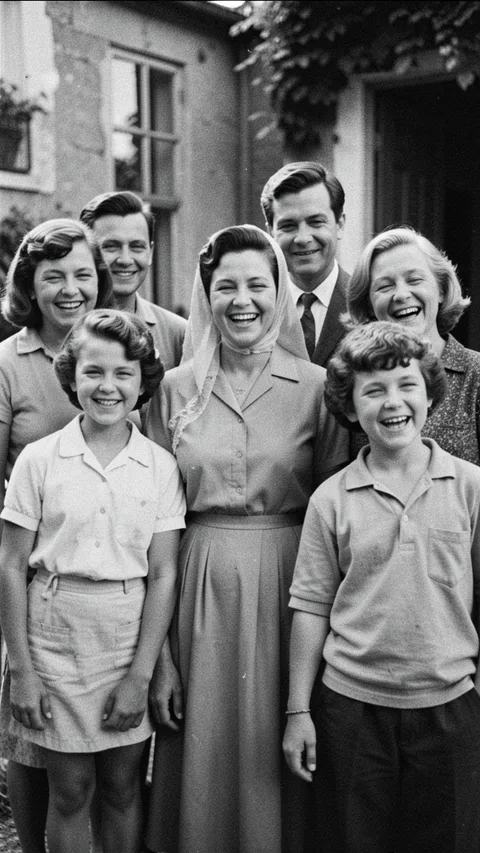

Free to try
Your first video is on us.
Try 1 video and 1 image free. Videos that don't work aren't counted.
- 1 free video
- 1 free image
Upgrade for a full month of creating
Simple monthly limits. No credits to count.
Free
To try it out
$0
- 1 video
- 1 image
- All templates
Vogla Pro
From $16/mo, billed yearly
- 30 videos every month
- 100 images every month
- Videos up to 15 seconds (15s counts as 2)
- Works in the iOS and Android apps too
Take it with you
Vogla is on iPhone and Android too. One account, the same templates, the same Pro.
Questions, answered
What is Vogla?
Vogla turns your photos into short AI videos with sound. Pick a template — a viral effect, a seasonal look or a style — add one photo, and Vogla makes the video for you.
Is it free?
Yes, to start. Every account gets 1 free video and 1 free image. Vogla Pro adds new videos and images every month.
How long does a video take?
Usually about a minute. You can leave the page — the finished video waits in your Library.
Which photos work best?
A clear, well-lit photo where faces or the subject are easy to see.
How long are the videos?
Up to 15 seconds, depending on the template, and every video comes with sound. Image templates make a still picture instead.
What if a video doesn't work?
Videos that don't work aren't counted, so you can simply try again — with the same photo or a different one.
Who can see what I make?
Only you. Your photos and videos stay private in your Library unless you choose to share one to Explore.
Can I cancel Pro?
Anytime. On the web, manage your plan from your Profile; in the apps, from your App Store or Google Play account. Pro stays on until the end of the period you paid for.