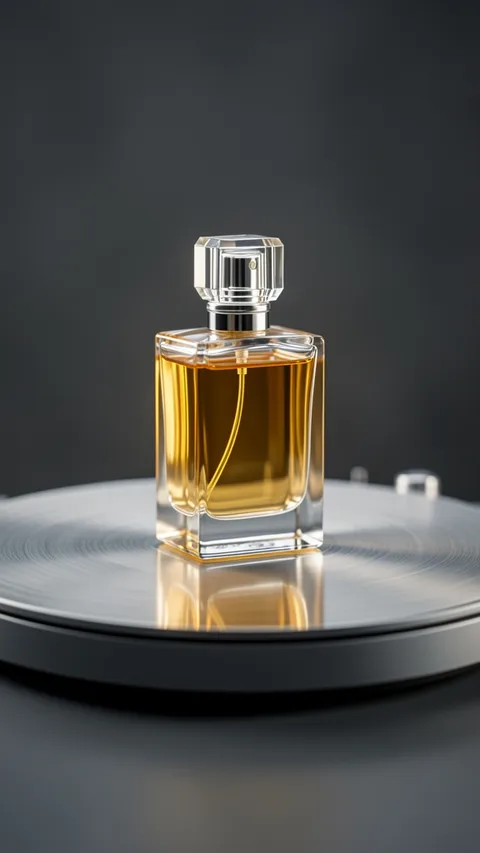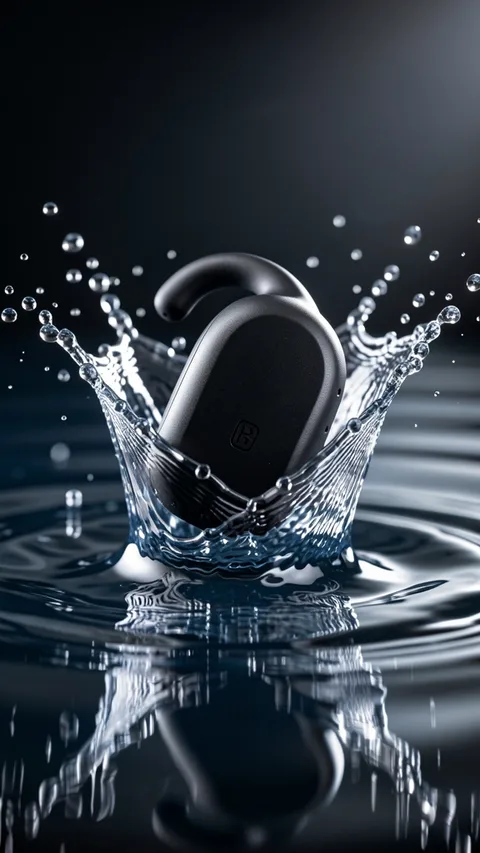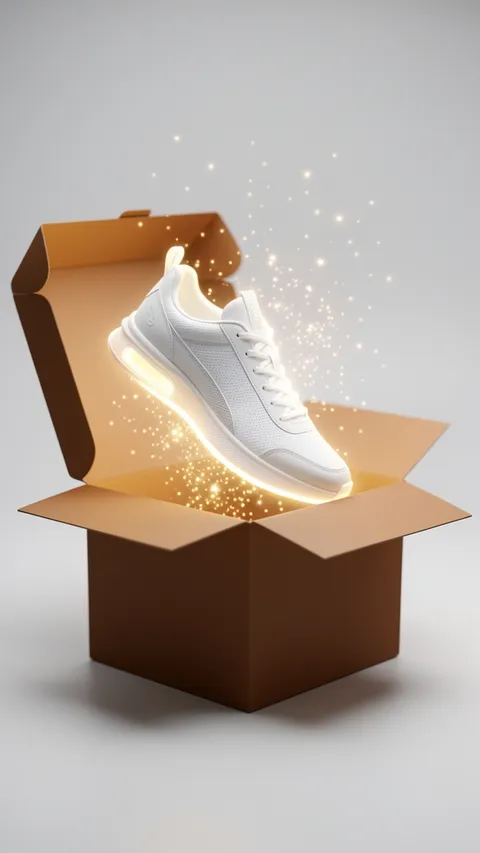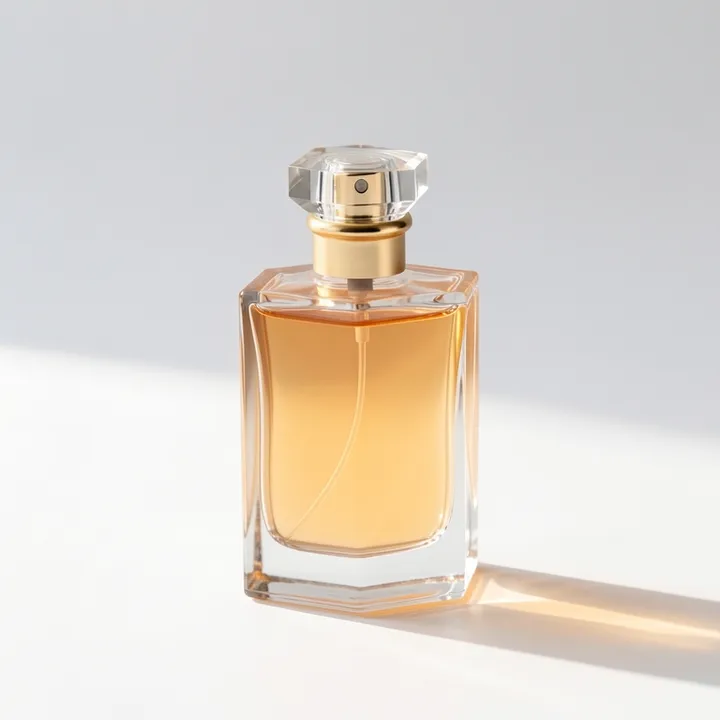
Clean product shot: AI photo template
Your product on a clean studio background, ready to sell.
Your first video and image are free.
At a glance
- Result
- Image
- Shape
- 1:1
- You add
- One photo
- Ready in
- A few seconds
How to use Clean product shot
- 1Open the template and add your photo.
- 2Add an optional one-line idea for a specific detail, or leave it empty.
- 3Get your image, then save it or share it.
Questions about Clean product shot
Is Clean product shot free?
You can try it free: every new account gets one free video and one free image, with a small Vogla watermark. Vogla Pro gives you new videos and images every month, without the watermark.
How long does Clean product shot take?
A few seconds. You get a 1:1 image.
Which photo should I use for Clean product shot?
Photograph the product on a plain surface with nothing else in the frame and even light. Let the product fill most of the frame, with a little space around the edges.
Can I use it on my phone?
Yes. Vogla works in the browser and in the iPhone and Android apps, with the same templates everywhere.