All articles
Ecommerce

AI Product Photo Generator for Ecommerce: A Practical Workflow That Ships Faster

A simple workflow for turning one product photo into clean store, ad, and social-ready assets without a studio shoot.

V
VOGLA Team
Jul 9, 2026 · 7 min read

Why this matters

Most small ecommerce teams do not have a content problem. They have a production problem. The catalog needs clean product images, the ad team needs new crops, and social needs a version that feels less sterile. Traditional production means reshoots, retouching, and long back-and-forth loops. An AI product photo generator changes that by turning one usable source image into multiple commercial-ready outputs.

The important part is not the model. The important part is the workflow. If the workflow is sloppy, you get shiny nonsense. If the workflow is structured, you get assets that are usable in the store, in paid social, and in email.

A repeatable 3-step workflow

  1. Start with a clear source image. The original photo does not need to be perfect, but the product edges should be visible and the lighting should not destroy shape.
  2. Set the art direction before generating. Pick background, lighting, angle, shadow, and crop first. This is what keeps outputs consistent across a catalog.
  3. Create variants for channels. Generate a square image for listings, a 4:5 version for paid social, and a wider crop for landing pages or email blocks.

What to standardize

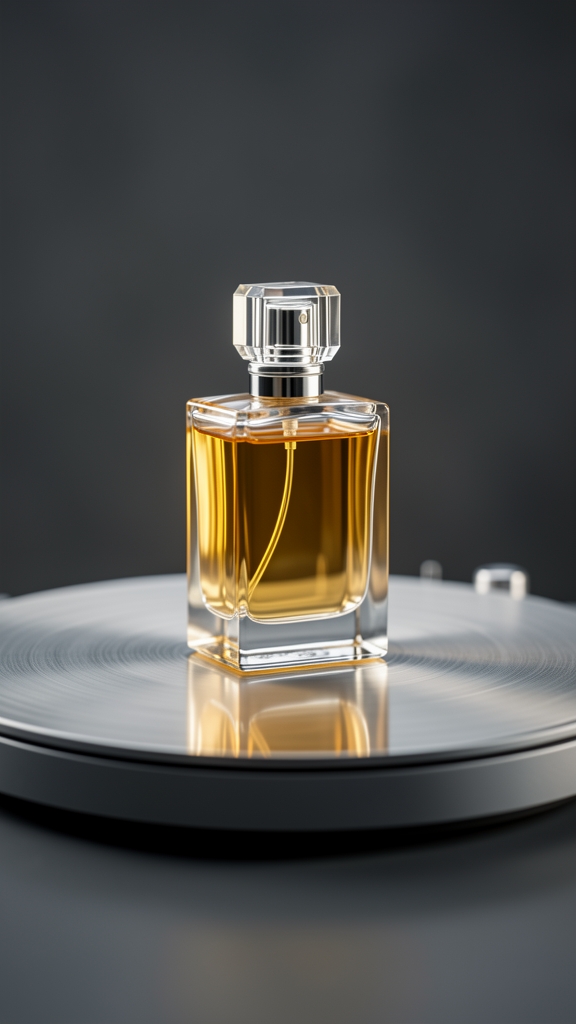
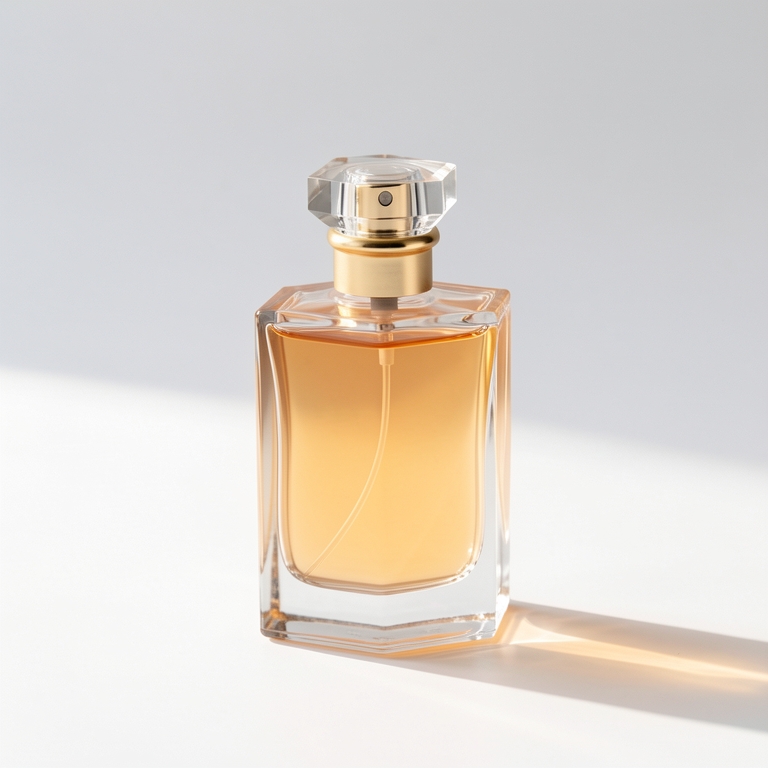
Teams usually lose time by making every image a one-off. The fix is to standardize a small number of visual presets. For example: white background plus soft box lighting for catalog images, marble plus natural light for premium detail shots, and a warmer lifestyle backdrop for social creative. Once those presets exist, the team is no longer debating style on every asset.

In VOGLA, the product-shot workflow is designed around exactly those decisions: background, lighting, shadow, angle, and aspect ratio. That reduces prompt-writing overhead and makes the task easier for non-designers.

Where teams usually fail

  • They upload weak source photos and expect the model to invent clean geometry.
  • They change too many variables at once, which makes it impossible to know what improved the output.
  • They use the same crop everywhere, even though store listings, ads, and social posts need different compositions.

What good output looks like

A good product image is not just attractive. It is legible at thumbnail size, consistent with the rest of the catalog, and fast to repurpose. If one upload can become a clean PDP image, an ad-ready 4:5, and a hero crop for a landing page, the workflow is working.

How VOGLA fits

VOGLA keeps the workflow in one place. You can create the product shot, remove the background, expand the frame for a new aspect ratio, and generate alternate variations without switching tools. That is the real advantage: less tool friction, not just faster generation.

Try this next

Take one best-selling product, create three standardized looks, and measure click-through rate by channel. That gives you signal fast and turns AI imaging into a production system instead of a novelty.

Try this in VOGLA
Create cleaner product visuals, new crops, and campaign-ready assets in one place.
Open product photo workflow
V
VOGLA Team
Covers practical VOGLA workflows for ecommerce, marketing, and creative teams.
Workflow Shortcut

Move from reading to making

Create cleaner product visuals, new crops, and campaign-ready assets in one place.

Open product photo workflow

Keep reading